
How GLIN works
GLIN works in five steps: pick a built-in challenge or build your own, invite a friend with a link, each set a stake for quitting, then log actions for points every day. Your partner gets a notification each time you log, and a missed day can be saved or the challenge ended.
Updated
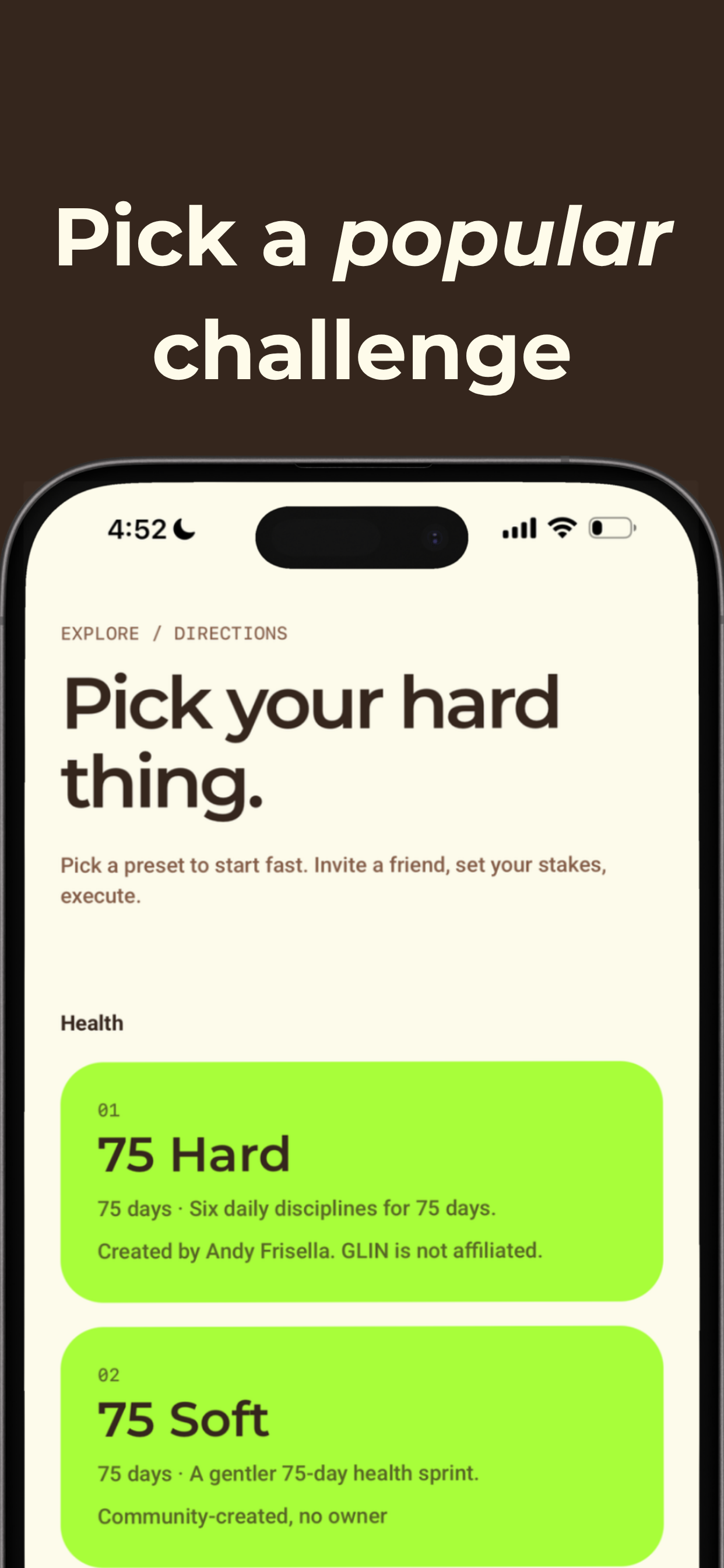
1Pick your hard thing
Start from a built-in challenge like 75 Hard or Dry 30, or build your own: name it, choose an area of life, and set the length in days or weeks.
2Define what counts
Each challenge is a list of actions worth points, like "Drink 1 gallon of water" for 1 point. You set a points target for each day or week, and pick rest days if you want them.
3Invite a friend
Send an invite link by text or any messenger. Your friend taps it, sees the challenge, and joins in a few seconds.
4Set real stakes
GLIN asks each of you one question: "What happens if you quit?" Get a tattoo, buy the other dinner, donate to a charity you hate. GLIN never holds your money; the stake is between you and your friend.
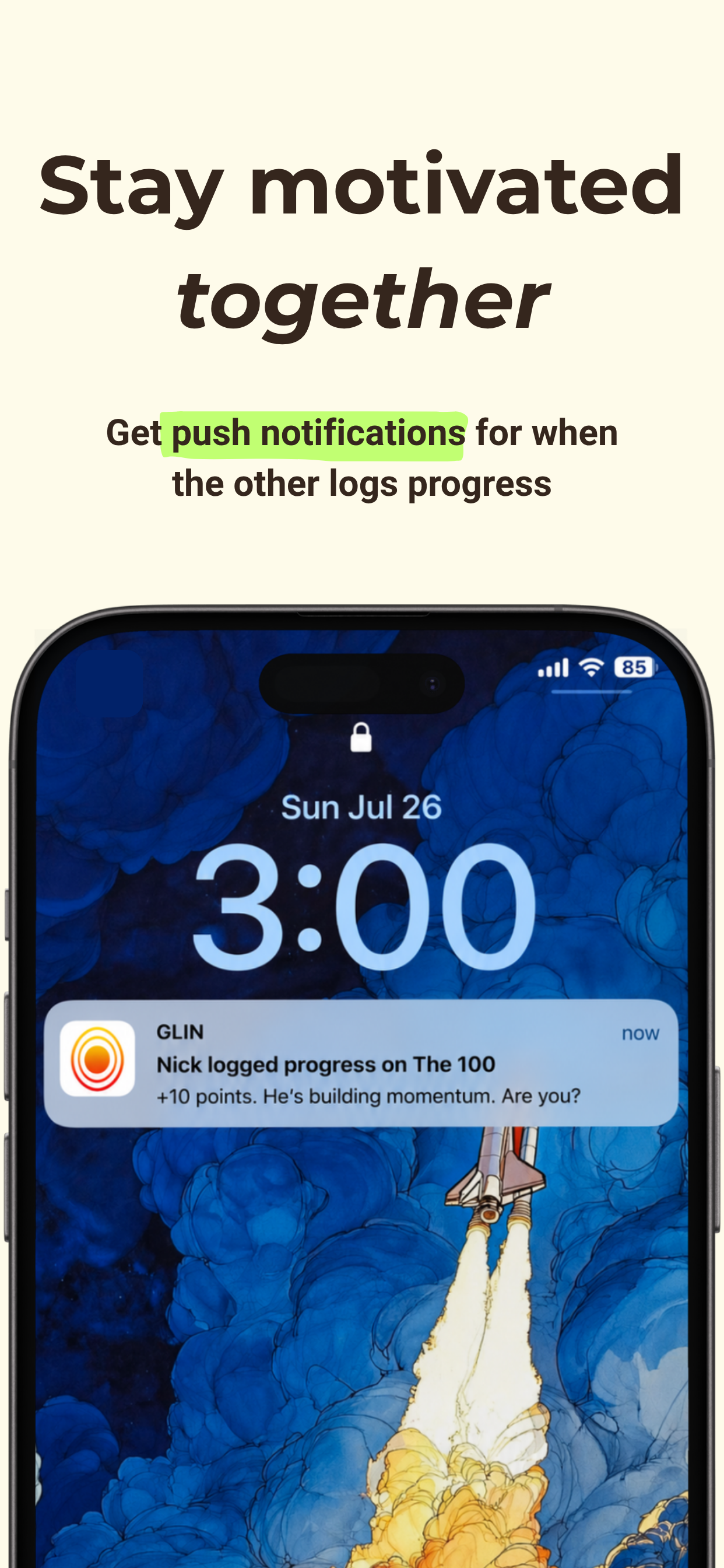
5Log it, and they get pinged
Tap an action when you do it. Your partner gets a push notification, sees your points, and can send you a boost when you need one.
6Miss a day? Decide together
If you miss your target, GLIN flags your streak as at risk. You can save it or end the challenge. If your partner misses, you can save them or continue solo.
Points, targets and rest days
Every challenge in GLIN is a set of actions, and each action is worth points. You choose how many points you need each day, or each week for weekly challenges. A simple challenge like Dry 30 has one action worth 1 point and a target of 1 point a day. A scored challenge like The 100 has actions worth 1 to 30 points and a target of 100 points a day.
Actions can be grouped (for example Movement, Nutrition and Mindset in 75 Hard) so you can see where your points come from. You can also pick rest days of the week, like Sundays, when no target applies.
Also in GLIN
- Your own reset time. Choose when each day resets, so a 1 a.m. workout still counts for the right day.
- Home screen widget. An iPhone widget shows your progress for the challenge you pick, without opening the app.
- Shareable progress cards. Save or share an image of your progress when you want to show it off.
Common questions
Does my friend need the app?
Yes. Your partner installs GLIN and joins through your invite link, so you both see each other’s progress and get notified when the other logs.
What are stakes in GLIN?
A stake is your answer to "What happens if you quit?", such as buying your partner dinner or donating to a cause you dislike. GLIN records the stake and shows it to you if you try to end the challenge early; it does not collect or hold money.
What happens if I miss a day?
Your streak is flagged as at risk. You can save your streak or end the challenge early. If your partner misses, you can save them or continue solo.
Can I make my own challenge?
Yes. Name it, choose a length in days or weeks, add actions with point values, set a daily or weekly points target, and pick optional rest days and a reset time.
Ready? Invite a friend.
Free to download. Invite a friend and start today.

 Scan with your phone to download GLIN.